مایکروسافت آفیس کورس رایگان

Asan Typing

با Asan Typing تایپ پښتو را قدم به قدم بیاموزید. کورس رایگان با ۱۶ درس ویدیویی.

Khalid Danishyar

استاد

Khalid Danishyar

2.0
(1 نظر)
سطح

متوسط

درس‌ها

16

مدت

2 ساعت

زبان

پښتو

درس نمونه رایگان

Asantyping Introduction. Watch it now, with no account.

برای صرفه‌جویی در انترنت، ویدیو فقط با فشار دادن دکمه پخش بارگذاری می‌شود.

چه خواهید آموخت

By the end of this course, learners will be able to:

  • Understand basic keyboard keys and layout
  • Use correct finger placement and typing posture
  • Type words and sentences with better speed
  • Improve typing accuracy and reduce mistakes
  • Gain confidence in daily computer typing tasks
  • Practice typing efficiently for study, work, and online use

درباره این کورس

The Asan Typing course is designed to help learners improve their typing speed and accuracy step by step. This course starts with basic keyboard introduction and finger placement, then moves to typing practice, exercises, and real-world typing tests. Learners will practice regularly through simple and engaging lessons that build confidence and productivity.

By the end of the course, students will be able to type faster, more accurately, and more comfortably for daily computer use.

Your learning path

16 lessons · 1h 11m total

  1. 01 Asantyping Introduction

    Asan Typing

    Master Your Typing Skills

    The best free online typing platform for improving speed and accuracy. Features typing tests, typing tutor, practice exercises, and typing games.


  2. 02 Keyboard Introduction

    In this lesson, learners will get to know the computer keyboard and its main parts. We will learn about different keys such as alphabet keys, number keys, function keys, and special keys. By the end of this lesson, learners will understand the keyboard layout and how each key is used in typing.

  3. 03 Login to AsanTyping

    In this lesson, learners will learn how to log in to the Asan Typing platform. We will explain how to enter a username and password, access the dashboard, and start typing practice safely and easily.

  4. 04 Typing Test

    In this lesson, learners will take a basic typing test to check their typing speed and accuracy. This test helps learners understand their current typing level and track their progress.

  5. 05 Typing Game
  6. 06 Asan Typing Certificates

    Earn official digital certificates for mastering typing skills. Showcase your achievements with professional credentials that recognize your dedication to learning and improving your typing abilities.


  7. 07 Leaderboard

    Compete with the world's fastest typists and see where you rank. Every keystroke counts in this global competition of speed and accuracy.

  8. 08 Introduction to Pashto Typing

    In this lesson, learners will be introduced to Pashto typing. We will learn about the Pashto keyboard layout and understand how to type Pashto letters correctly on a computer.

با استاد خود آشنا شوید

Khalid Danishyar

Khalid Danishyar

Microsoft Office Instructor

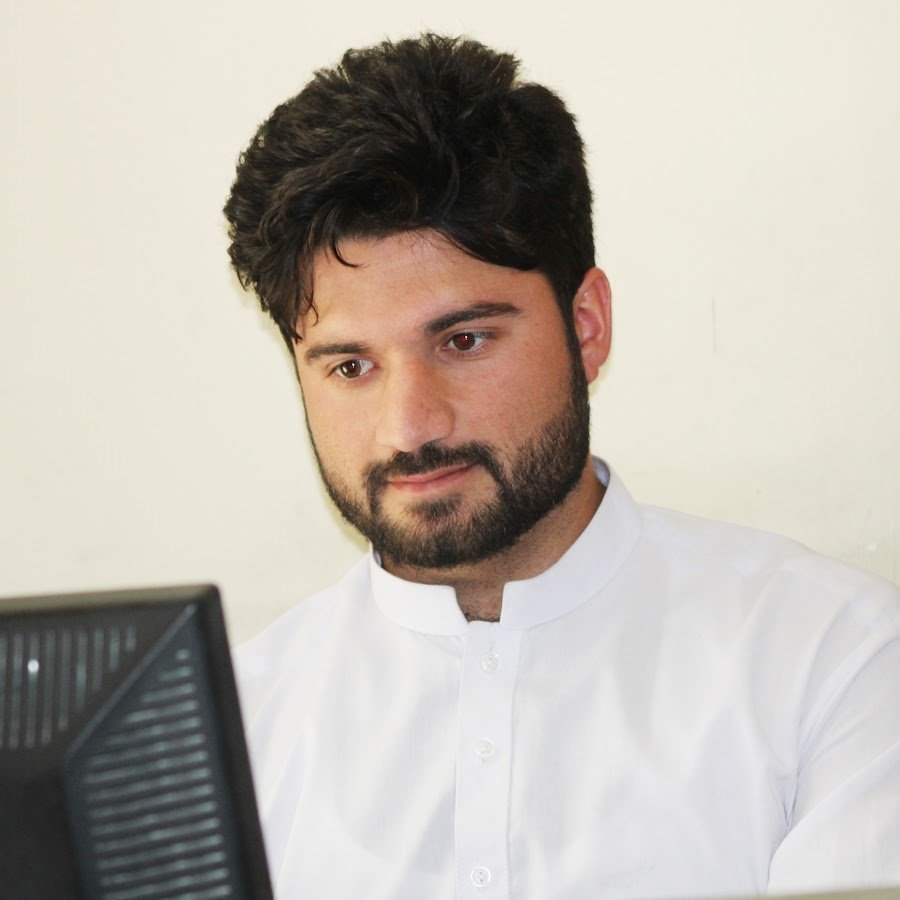
Asalamualikum (Hi)👋 there, I am a Full Stack Web Developer and WordPress Expert with seven years of commercial experience creating successful websites and web-based applications. I graduated with a Master of Computer Science (MCS) from Bakhtar University in Kabul, Afghanistan.

Student reviews

2.0

Course rating · 1 review

MA

Mansoor Ahmad Momand

Dec 18, 2025

this is very important for me

Asan Typing

Free · 16 lessons

این کورس را رایگان شروع کنید